
Galaxy S23 series receives stable One UI 8.5 update
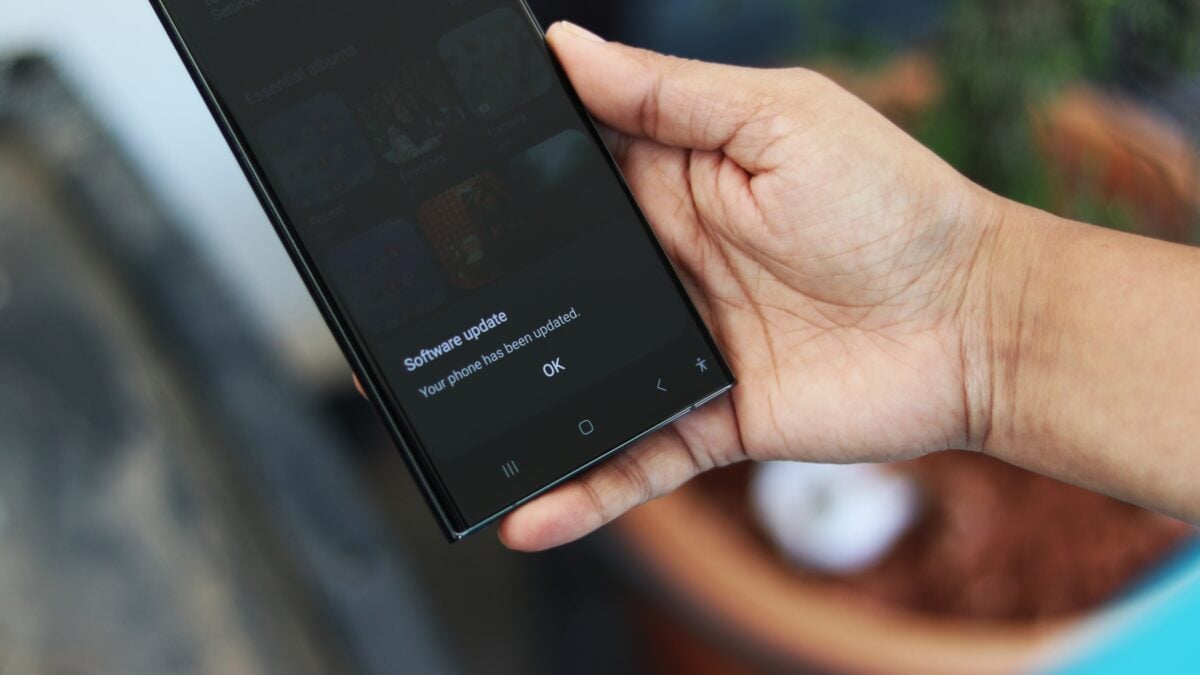
# Galaxy S23 Series Welcomes Stable One UI 8.5 Update: What You Need to Know
In the ever-evolving world of smartphones, software updates play a crucial role in enhancing user experience, fixing bugs, and introducing new features. Samsung enthusiasts have reason to celebrate as the company has rolled out the stable version of One UI 8.5, based on Android 16 QPR2, for the Galaxy S23 series. This update promises to bring a host of improvements and new functionalities that enhance the overall performance of these flagship devices. In this article, we'll delve into the details of this exciting update, what users can expect, and how to make the most out of the new features.
## What is One UI 8.5?
One UI 8.5 is the latest iteration of Samsung's custom user interface, built on the foundation of Android 16 QPR2. This interface aims to provide a seamless and intuitive experience for users, with a focus on usability and aesthetic appeal. With each new version, Samsung refines its software to ensure that it not only meets the needs of its users but also pushes the boundaries of what smartphones can do.
## Key Features of One UI 8.5
The introduction of One UI 8.5 brings several enhancements and features that Galaxy S23 users will find beneficial. Below are some of the most notable improvements:
1. Enhanced Performance
One of the most anticipated aspects of the One UI 8.5 update is its performance optimization. Users can expect faster app launches, smoother animations, and overall improved system responsiveness. This update addresses previous performance issues, making multitasking and resource-intensive applications run more efficiently.
2. Improved User Interface
Samsung has made subtle yet impactful changes to the user interface. The icons and widgets have received a fresh design, making them more visually appealing and easier to navigate. The overall aesthetic aligns with modern design trends, ensuring that users enjoy a visually cohesive experience across their apps and menus.
3. New Customization Options
One UI 8.5 introduces additional customization options, allowing users to personalize their devices further. From new themes and wallpapers to enhanced lock screen customization, users now have more ways to make their Galaxy S23 devices uniquely theirs.
4. Advanced Privacy Features
In today’s digital age, privacy is more important than ever. One UI 8.5 enhances user privacy with new features that give users greater control over their personal information. Enhanced app permissions and privacy controls allow users to manage what data is shared and with whom, ensuring a safer smartphone experience.
5. Updated Camera Features
Photography enthusiasts will appreciate the camera enhancements that come with One UI 8.5. This update introduces new shooting modes, improved low-light performance, and advanced editing tools that allow users to take their mobile photography to the next level.
6. Battery Life Optimization
Battery management has also seen improvements in this update. One UI 8.5 optimizes background processes and app usage to extend battery life, ensuring that users can enjoy their devices for longer periods without needing a recharge.
## How to Download and Install One UI 8.5 on Your Galaxy S23
For Galaxy S23 users eager to experience the new features of One UI 8.5, downloading and installing the update is a straightforward process. Here’s how to do it:
1. **Connect to Wi-Fi:** Ensure your device is connected to a stable Wi-Fi network to avoid data charges during the download.
2. **Open Settings:** Navigate to your device's settings by tapping on the gear icon in the app drawer or notification panel.
3. **Select Software Update:** Scroll down and find the 'Software update' option. Tap on it to check for available updates.
4. **Download the Update:** If One UI 8.5 is available for your device, you will see a prompt to download it. Tap on 'Download' and wait for the process to complete.
5. **Install the Update:** Once the download is complete, you will be prompted to install the update. Tap 'Install' and follow the on-screen instructions. Your device will restart during this process.
6. **Explore New Features:** After the installation is complete, take some time to explore the new features and enhancements that One UI 8.5 has to offer.
## User Reactions to One UI 8.5
Initial reactions from users who have updated their Galaxy S23 devices to One UI 8.5 have been overwhelmingly positive. Many have praised the smoother performance and aesthetic improvements, noting that the update significantly enhances their overall experience. Users have also appreciated the additional customization options, which allow them to tailor their devices to their personal preferences.
However, as with any software update, some users have reported minor bugs or issues. Samsung is known for its commitment to customer satisfaction, and it is likely that subsequent patches will be released to address these concerns promptly.
## Conclusion
The release of the stable One UI 8.5 update for the Galaxy S23 series marks a significant milestone in Samsung's ongoing efforts to enhance its user experience. With improvements in performance, user interface design, privacy features, and more, Galaxy S23 users have much to look forward to.
As the technological landscape continues to evolve, staying updated with the latest software can make a significant difference in how users interact with their devices. For those who haven't yet received the update, now is the perfect time to check for it and explore the new features that One UI 8.5 has to offer. Whether you're a photography enthusiast, a power user, or someone who enjoys personalizing their device, this update has something for everyone.
In summary, One UI 8.5 is not just an update; it’s an invitation to experience your Galaxy S23 like never before. Embrace the changes, explore the features, and enjoy a smoother, more personalized smartphone journey!